Dinner, decided.

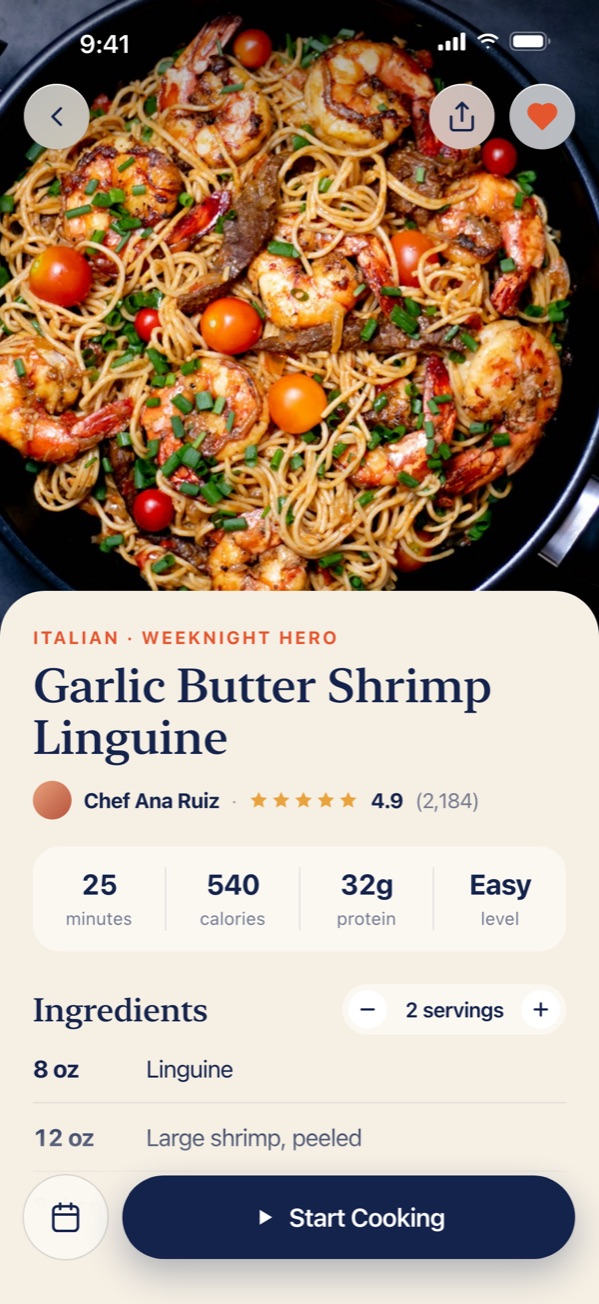
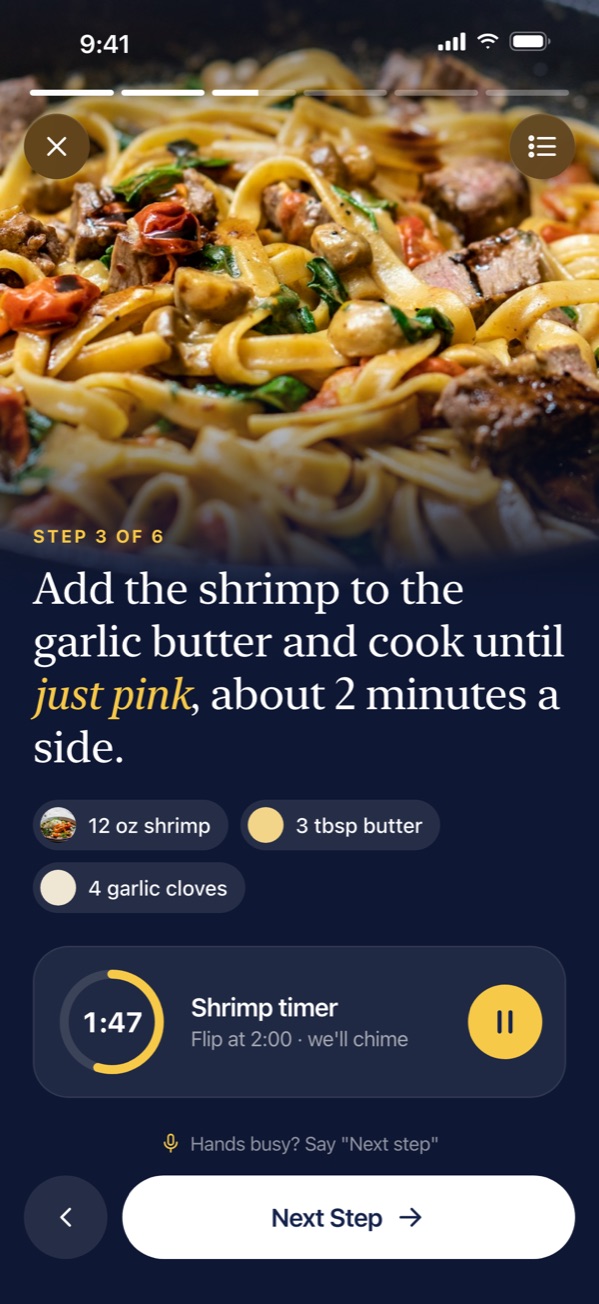
PostShot Video turns your iPhone screen recordings into polished videos for App Store previews, Reels and TikTok. Record, trim, show your taps, frame it and export an MP4. All on your iPhone.
How it works
No Mac, no editing suite. Record your app on your iPhone and finish it right there.
Record your whole screen from the app while you use your own app, or pick a screen recording from Photos. Up to a minute.
Trim, split and cut on a timeline. Then replay your taps on the preview so viewers can see what you pressed.
Put it in a real iPhone frame on a PostShot-style design, then export an MP4 at the size each platform wants.
Made for app makers
Screenshots show what your app looks like. A video shows what it's like to use.
iPhone screen recordings don't save your touches. With Tap along, you stop on a frame and repeat the gesture on the preview. PostShot Video draws it as a circle, a ripple, a growing ring or a swipe trail.
Your real time, battery and the red recording pill are covered by Apple's classic 9:41, full signal, Wi-Fi and battery. Light or dark, to match your app.
Scroll and pinch the timeline, trim the ends, split at the playhead and delete the slow parts. Step frame by frame, and undo anything.
The same frames as PostShot, in the colours Apple ships: Cosmic Orange, Deep Blue, Light Gold, Sky Blue and more.
Templates, designer themes, fonts and text from PostShot, so your videos match your posts.
Record your app's sound and your voice from the mic. Both carry through your edits into the MP4.
Export sizes
The same sizes as PostShot. Each export is an MP4 at the exact pixel size, so nothing gets cropped on upload.
FAQ
We're building it now. Tap Get notified and we'll email you when it's on the App Store.
No. PostShot Video is a separate app for video. PostShot stays the app for screenshots and posts.
Yes. Start recording from PostShot Video, then switch to your own app and use it as normal. Your whole screen is recorded until you stop.
No. iOS keeps your touches private, even while recording. That's why Tap along exists: you show PostShot Video where you tapped, and it draws the taps for you.
It's free to start. Free videos carry a small watermark and are capped at 15 seconds. Pro removes both.
No. Everything is recorded, edited and exported on your iPhone.
Send us a quick email and we'll let you know the day PostShot Video lands on the App Store.
Get notifiedNeed posts today? Try PostShot for screenshots.